Water Systems
Irrigation and rainwater harvesting systems — reference guide for TUF workers.
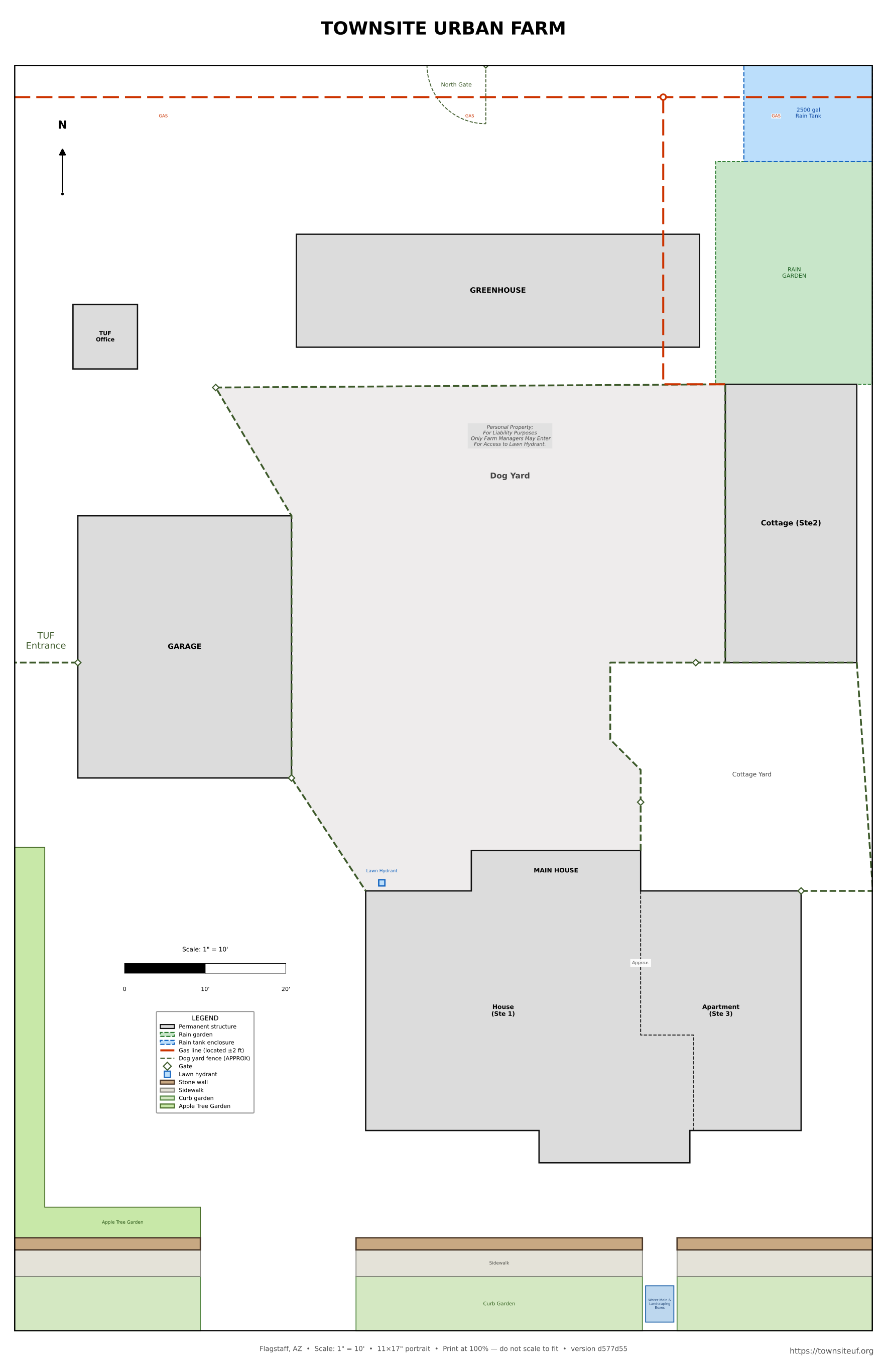
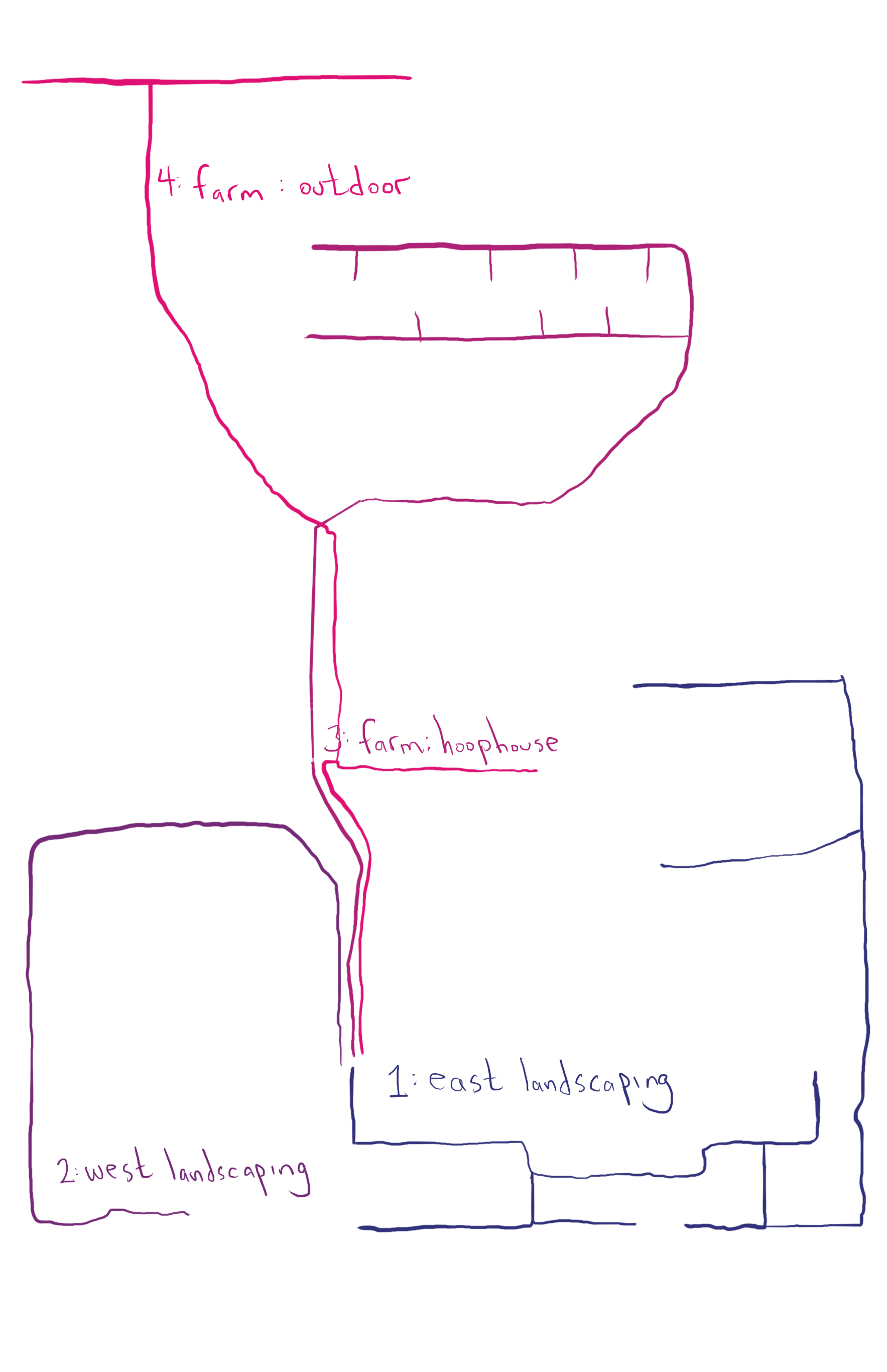
Irrigation — OpenSprinkler Controller
The irrigation system is controlled by an OpenSprinkler v3.2 AC box mounted on-site. It runs scheduled programs automatically, but you can also start or stop it manually using the three buttons on the front of the box (B1, B2, B3).
Running a program manually — no phone needed
- Press and hold B3 until the LCD shows "Run a Program".
- Click B3 repeatedly to cycle through the available programs.
- When the program you want is shown, press and hold B3 to start it.
To stop all zones immediately: press and hold B1.
Quick zone test — no phone needed
To verify all zones are working without running a full program: press and hold B1, then while still holding it press B3. This runs every zone for 2 seconds in sequence — enough to confirm each head is firing.
Remote access — OpenSprinkler app
The OpenSprinkler app (free, iOS and Android) works from anywhere — no local network required. It connects via the OpenThings Cloud (OTC) token, a code Greg generates from the controller settings. Contact Greg to get the token and password, then in the app choose Add a New Site and paste the token into the Device Address field.
Maintenance
[ Placeholder — add notes here: filter cleaning schedule, winterization, zone inspection. ]
Rainwater Harvesting
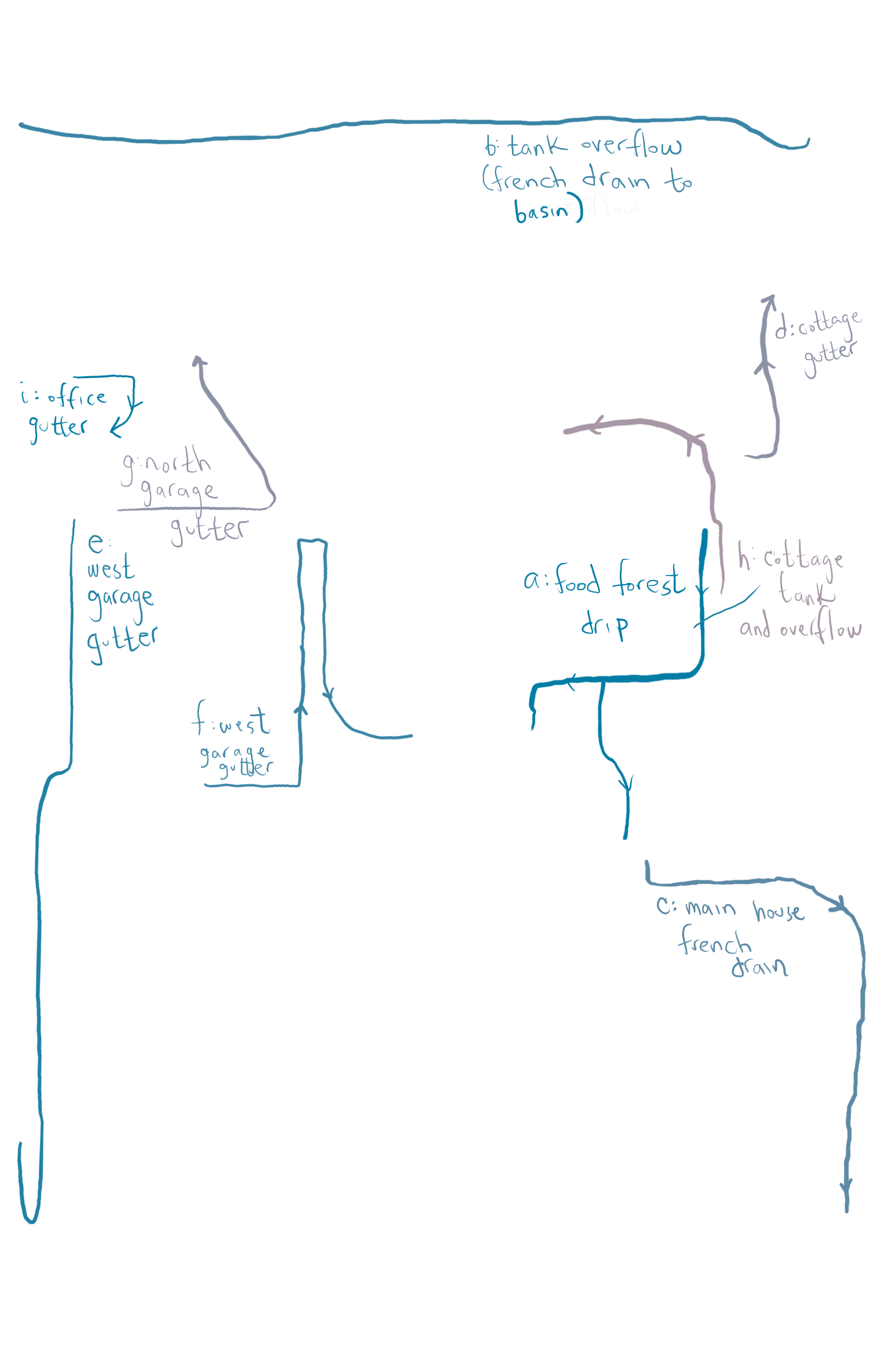
[ Placeholder — add technical notes here: tank locations and capacities, first-flush diverter operation, overflow routing, seasonal shutdown procedure. ]
System Overview
Normal Operation
Maintenance